Do AFM Disablers Drain Your Battery? The Fix
An AFM/DFM disabler module represents the ultimate solution for maintaining full V8 power in your GM vehicle, effectively stopping cylinder deactivation and preventing expensive engine repairs. This comprehensive guide on afm disabler battery drain will help you understand how to protect your engine while ensuring your electrical system remains healthy. By choosing a high-quality device from gadon.store, you gain access to expert-level performance tuning that installs in seconds and preserves your factory warranty without any permanent modifications to your ECU.
Need Help Checking Vehicle Compatibility? Gadon.store is Ready 24/7
In just 2 minutes, our expert team can confirm if the Gadon AFM/DFM Disabler fits your exact year and model.
Why Proper Engine Performance Management is Crucial? A Direct Impact on V8 Performance and Engine Lifespan
Maintaining your General Motors vehicle in full cylinder mode is not merely about horsepower; it is a fundamental strategy for long term mechanical survival. Active Fuel Management and Dynamic Fuel Management systems were designed for incremental fuel economy gains, but they introduce significant mechanical complexity that often leads to catastrophic failure. When a V8 engine constantly switches to V4 mode, the lifters for the deactivated cylinders must compress and lock. This repetitive mechanical stress causes the lifters to seize or collapse, leading to bent pushrods and severe internal damage.
Using a Gadon AFM/DFM disabler correctly ensures your GM engine stays in full V8 mode, delivering smooth, lag-free performance and extending the engine lifespan by preventing costly 5,000 dollar plus lifter failures caused by constant cylinder switching. Beyond the mechanical protection, drivers notice a profound change in drivability. The elimination of the hesitation during transition and the reduction in torque converter shudder provides a premium driving experience that General Motors intended for their flagship trucks and SUVs.
- Prevention of collapsed lifters which typically cost between 3,500 and 6,000 dollars to repair at a certified dealership.
- Elimination of high speed vibration and torque converter shudder often mistaken for transmission failure.
- Consistent oil pressure across all cylinders which prevents premature piston ring wear and oil consumption issues.
- Immediate throttle response without the half second delay caused by the ECU re-engaging cylinders during acceleration.
Gadon AFM/DFM Disabler
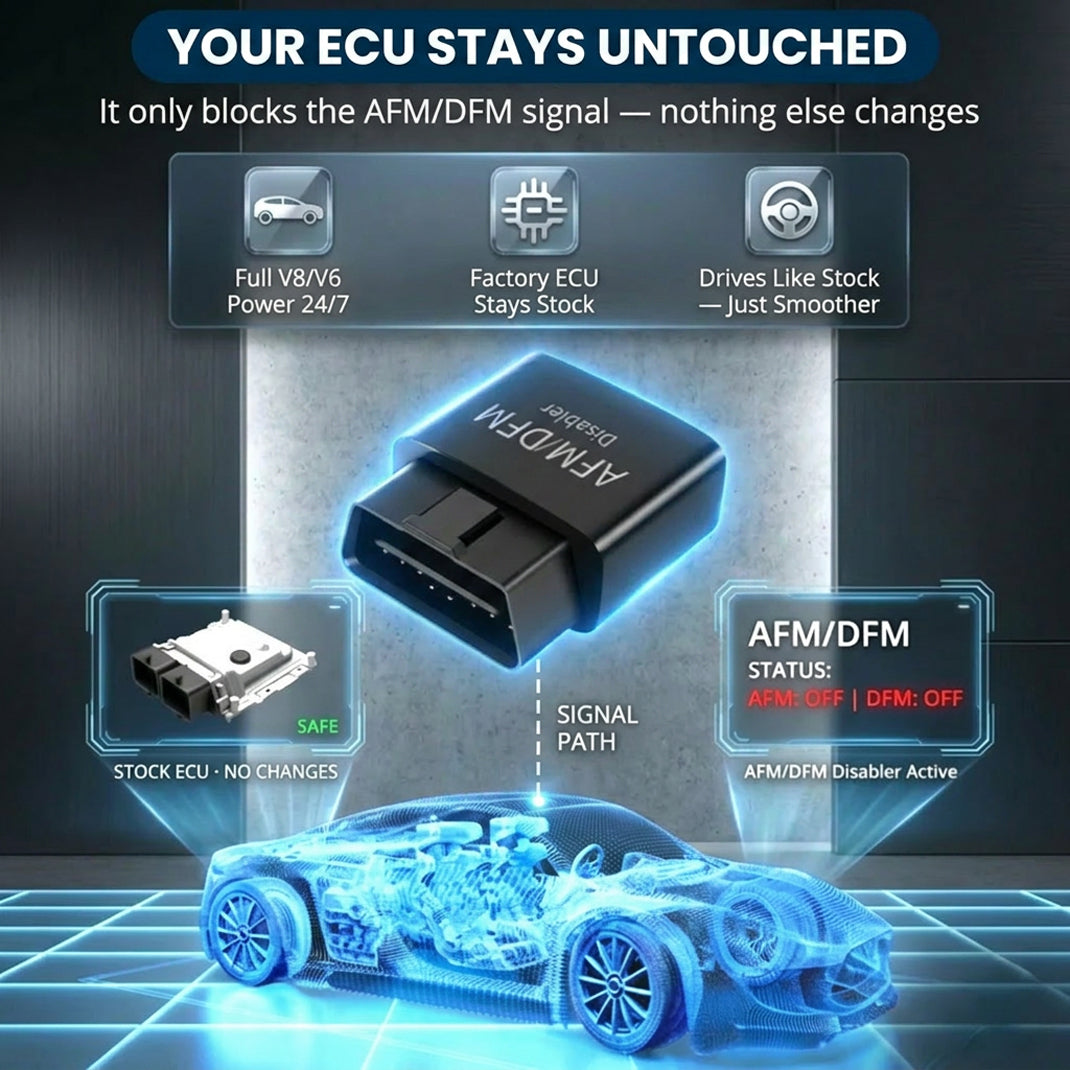
This compact OBD2 plug-in device keeps your GM engine operating in full V8 mode. It prevents rough shifting, torque converter shudder, and saves you from 5,000 dollar plus lifter repair bills without reprogramming your ECU. Our team at Gadon.store is ready to help you confirm compatibility for your vehicle.
A Detailed 3-Step Guide to Using the AFM/DFM Disabler for GM Owners
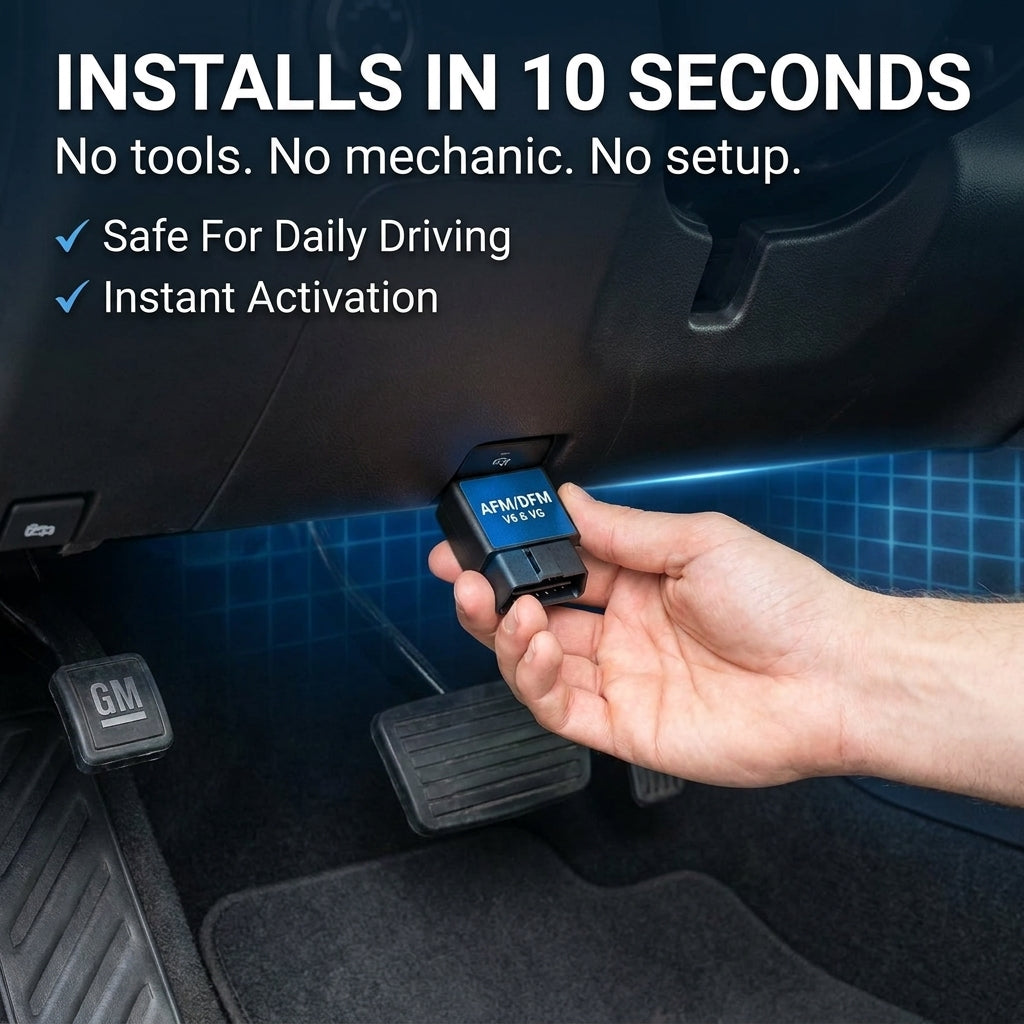
The installation of a performance module should not require a degree in mechanical engineering. The Gadon team has refined the user experience to ensure that any driver, regardless of technical background, can secure their engine in under ten seconds. This plug and play approach bypasses the need for complex ECU flashing which often triggers warranty flags or permanent software glitches. By following these three steps, you transform your truck from a fluctuating four cylinder to a dedicated V8 powerhouse.
Step 1: Unbox and Locate the OBD2 Port
First, locate the OBD2 diagnostic port inside your GM truck or SUV, usually found under the driver side dashboard near the hood release or steering column. Ensure your vehicle engine is completely turned off before proceeding to ensure the initial handshake between the device and the vehicle computer occurs smoothly. This port is the direct gateway to your engine control unit and is used by technicians for diagnostics, making it the perfect non permanent interface for our module.
Step 2: Plug the Device Securely
Take your Gadon AFM/DFM Disabler and push it firmly into the port. There are no tools required and the fit is designed to be snug to prevent disconnection during bumpy drives. You will notice the indicator lights flash, confirming it has successfully connected to the ECU. This light sequence indicates that the module is receiving power and has successfully begun broadcasting the stay in V8 signal to the vehicle management system.
Step 3: Start the Engine and Experience Full V8 Power
Start your engine and watch your dashboard display. The device instantly blocks the cylinder deactivation signals without rewriting the factory software. You can now drive normally, experiencing immediate smoother throttle response, no lag, and consistent V8 power on every drive. You will no longer see the V4 icon on your driver information center, signifying that your engine is now protected from the mechanical strain of constant deactivation.
Advanced Tips: Understanding AFM/DFM on GM Vehicles
Understanding the internal physics of your engine helps in appreciating why a disabler is a necessary upgrade rather than an optional accessory. General Motors implemented these systems to meet federal fuel economy standards, but the trade off was engine longevity. Based on our team experience at Gadon.store, we have analyzed thousands of cases where these fuel management systems resulted in premature mechanical fatigue. Understanding the difference between AFM and DFM is the first step in total vehicle mastery.
How Cylinder Deactivation Causes Lifter Failure
The constant switching between V4 and V8 modes creates uneven wear on the active lifters. Over time, this leads to premature lifter failure, bent pushrods, and costly engine rebuilds that can exceed 5,000 dollars. Specifically, when the solenoids deactivate the lifters, they stop oil flow to the components. If the timing is slightly off due to dirty oil or high mileage, the lifter may not unlock correctly when transitioning back to V8 mode, causing the camshaft to strike a locked component, which leads to the infamous lifter tick and eventual engine seizure.
Eliminating Transmission Shudder at Cruising Speeds
Many drivers experience a noticeable shudder or vibration at 35 to 60 mph. This is often caused by the torque converter clutch struggling to stay engaged while the engine fluctuates its power output in V4 mode. By keeping the engine in full cylinder mode, the Gadon module balances the torque output, eliminating the awkward gear searching behavior entirely and providing a linear power curve that feels significantly more stable during highway cruising.
| Vehicle Model | Engine Type | System Type | Primary Benefit |
|---|---|---|---|
| Chevy Silverado | 5.3L / 6.2L V8 | AFM and DFM | Stops Lifter Failure |
| GMC Sierra | 5.3L / 6.2L V8 | AFM and DFM | Smooth Acceleration |
| Chevy Tahoe | 5.3L / 6.2L V8 | AFM and DFM | Reduces Oil Burning |
| GMC Yukon | 5.3L / 6.2L V8 | AFM and DFM | Fixes Shuddering |
| Cadillac Escalade | 6.2L V8 | AFM and DFM | Engine Longevity |
| Chevy Suburban | 5.3L V8 | AFM and DFM | Protects Warranty |
| Chevy Camaro | 6.2L V8 | AFM Only | Full V8 Sound |
| GMC Savana | 4.3L V6 / 6.6L V8 | AFM | Fleet Reliability |
Troubleshooting Common Issues and Battery Health
The primary concern for many users is whether an OBD2 device will cause a parasitic draw on the battery. It is important to understand that any device plugged into the OBD2 port will consume a negligible amount of electricity. However, the Gadon AFM/DFM Disabler is engineered with a high efficiency sleep mode to minimize this impact. Addressing the afm disabler battery drain question requires a balanced look at vehicle usage patterns and electrical health. If your vehicle is a daily driver, the draw is statistically insignificant compared to the natural discharge of the vehicle on-board computers.

- Why are the lights on the device not turning on? Solution: Check your vehicle OBD2 fuse which is often shared with the cigarette lighter or auxiliary power outlet. If the fuse is blown, the port will not provide power to the Gadon module.
- Will the module drain my truck battery? Solution: The device draws a very minimal amount of power on standby. However, if you plan to leave your truck parked and undriven for several weeks, we recommend unplugging it to be safe. This prevents the small cumulative draw from affecting an older or weak battery.
- Do I need to unplug it before taking it to the dealership? Solution: Yes, simply unplug the Gadon disabler before your service visit. Since it leaves zero trace and does not flash the ECU, your factory warranty remains 100 percent intact.
- Is the device compatible with aftermarket remote start? Solution: Generally, yes. The module operates independently of the remote start system. If you notice a conflict, ensure the module is fully seated in the port.
Need Help Checking Vehicle Compatibility? Gadon.store is Ready 24/7
In just 2 minutes, our expert team can confirm if the Gadon AFM/DFM Disabler fits your exact year and model.
Which Gadon AFM/DFM Disabler Package is Right for You? Expert Advice
Selecting the right package depends on your fleet size and vehicle usage. We offer tiered solutions to ensure that every GM owner can access this critical engine protection. Every purchase from Gadon.store includes our 90-Day Guarantee and Free Shipping. Use code WELCOME to get an extra 10 percent OFF today! Our team of automotive specialists is standing by to ensure you receive the maximum value for your investment.
For personal use on a single daily driver, the 1 Pack Gadon Disabler is the ideal choice. You will feel the V8 difference immediately and stop the ticking clock on your lifters. If you own a Silverado and your spouse drives a Tahoe, the 2 Packs Most Popular package is suitable, offering a 15 percent discount for a dual vehicle upgrade. For commercial fleets or professional mechanics, the 3 Packs Best Value package offers a 25 percent discount, ensuring all your work trucks are protected against lifter failure and unnecessary downtime.
Quick FAQs on Gadon AFM/DFM Disablers
We have compiled the most frequent inquiries from our community of over 50,000 satisfied customers. These answers are based on extensive field testing and mechanical analysis of General Motors performance profiles. If your specific question is not answered below, our hotline is available for immediate technical consultation.

- Will it void my GM warranty or trigger a Check Engine Light? No. The Gadon disabler does not reprogram your ECU. Simply unplug it before service visits to leave zero trace.
- Will it fit my specific truck model? It is compatible with more than 90 GM models from 2005 to 2026 equipped with V6 or V8 fuel management.
- Will this actually save my engine from 5,000 dollar plus repairs? Yes, by stopping cylinder deactivation, you prevent the mechanical wear that leads to collapsed lifters.
- When will I feel the difference while driving? Most users report an immediate improvement in smoothness and throttle response within the first mile.
- How hard is the installation process? It takes approximately ten seconds and requires zero tools or mechanical experience.
Gadon AFM/DFM Disabler
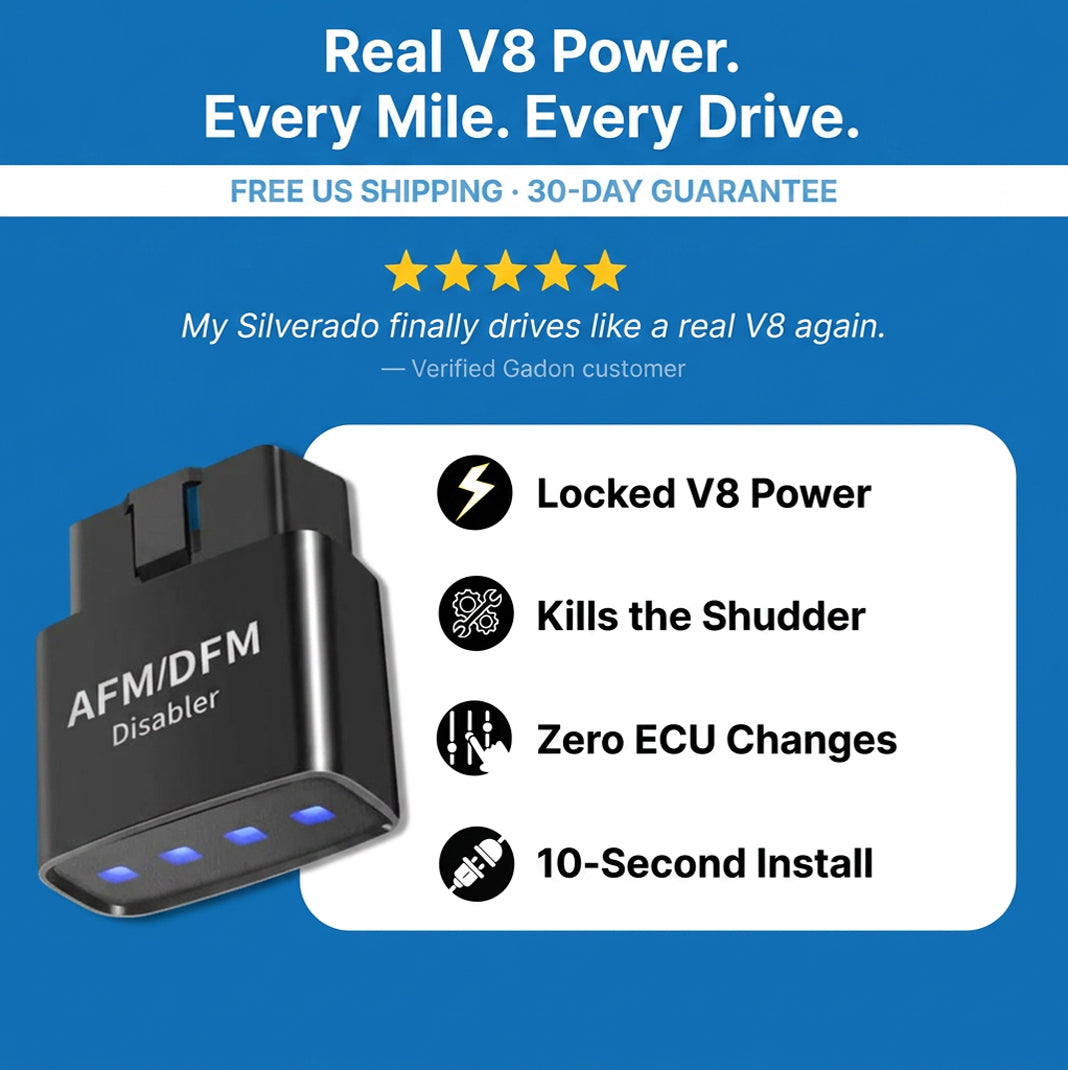
This smart module blocks your GM vehicle V4 mode, preventing sudden hesitations, oil burning issues, and devastating lifter collapses. Easy to install and remove, it preserves your engine health while protecting your factory warranty.
Protect Your GM Engine and Regain Full V8 Power with Gadon.store
At Gadon.store, we provide a reliable, plug and play solution that unleashes your engine true V8 potential while protecting it from expensive lifter failures. We are committed to high quality performance modules, zero ECU tracing, and excellent customer support. Upgrade your ride and drive with confidence. Call our support hotline now at +1 813-408-1627 or order directly from our website to secure your vehicle today!
Note: The guidance and prices in this article are for reference at the time of publishing and are subject to change. Please contact Gadon.store directly for the most current information. Always ensure your vehicle is parked safely before interacting with the OBD2 port. Disclaimer: The instructions in this article are based on practical experience with GADON STORE products. Always ensure your vehicle is parked safely before interacting with the OBD2 port. Please contact contact@gadon.store for detailed support regarding your specific GM model compatibility.