Do You Really Need an OBD2 Scanner? Code Reader vs Scanner vs Shop
OBD2 scanner diagnostic devices give vehicle owners immediate access to critical engine fault codes before paying expensive mechanic repair fees. Equipping your vehicle with professional-grade diagnostic solutions from Gadon Store ensures you identify hidden powertrain issues early, optimize overall engine health, and prevent costly breakdown expenses on the road.

Advanced Auto Tools
V500 OBD2 Scanner - Standalone Handheld Diagnostic Tool
Read and clear diagnostic trouble codes, review live sensor data, and analyze freeze-frame records without phone applications or recurring subscription fees. Features a 90-day money-back guarantee.
Price: $89.99
SEE THE V500Table of Contents
- 1. What is an OBD2 scanner? Overview and core concepts
- 2. Why is owning an OBD2 scanner important? Unmissable benefits
- 3. Detailed analysis of code readers vs full scanners vs repair shops
- 4. Step-by-step guide on diagnosing check engine codes for beginners
- 5. Mistakes to avoid when scanning vehicle diagnostic codes? Expert advice from Gadon Store
- 6. Frequently Asked Questions about OBD2 scanners (FAQs)
- 7. Elevate your automotive diagnostics with solutions from Gadon Store
What is an OBD2 scanner? Overview and core concepts
An OBD2 scanner is a digital diagnostic hardware device that interfaces directly with a vehicle's On-Board Diagnostics II computer system to extract, analyze, and clear diagnostic trouble codes (DTCs). It translates raw electronic control module signals into readable fault data for vehicle owners.
Mandated on all light-duty vehicles sold in North America manufactured since 1996, the standardized OBD-II system monitors powertrain components, emissions controls, fuel metering, and electrical subsystems. A handheld diagnostic tool connects through the standardized 16-pin Data Link Connector (DLC) to communicate across standardized CAN-bus, ISO, and SAE serial protocols. Key technical capabilities include:
- Diagnostic trouble code extraction: Retrieves both generic SAE codes and manufacturer-specific diagnostic fault entries.
- Real-time parameter streaming: Monitors dynamic engine parameters including engine RPM, short-term fuel trim, coolant temperature, and oxygen sensor voltage.
- Freeze-frame data logging: Records a snapshot of engine operating conditions at the precise millisecond a fault occurred.
- Emissions readiness verification: Evaluates system readiness monitor status before compulsory state environmental inspections.
Rather than guessing why a dashboard malfunction indicator light illuminated, drivers obtain actionable diagnostic data within 10 seconds of hardware connection.
Why is owning an OBD2 scanner important? Unmissable benefits
Owning an OBD2 scanner eliminates costly dealer diagnostic charges averaging $120 to $180 per visit while empowering vehicle owners to verify repair necessities independently. It provides immediate clarity regarding minor maintenance alerts versus critical mechanical failures.
Eliminates Unnecessary Repair Bills and Mechanic Diagnostic Fees
Dealerships and independent auto repair facilities regularly bill 1.0 standard flat-rate labor hour simply to connect a diagnostic console. A personal handheld tool pays for itself on the first scan by revealing whether an alert stems from a simple loose gas cap or a failed sensor.
Detects Developing Engine Faults Before Major Breakdowns
Many electronic engine faults register pending codes in the computer memory long before triggering a steady dashboard warning light. Scanning your powertrain monthly identifies ignition coil breakdown, fuel trim imbalances, and cooling anomalies before they cause permanent engine damage.
Protects General Motors V8 Engines from Valvetrain Wear
For owners of Chevrolet and GMC trucks running Active Fuel Management (AFM) or Dynamic Fuel Management (DFM), constant monitoring is critical. Drivers who install an AFM disabler to keep all 8 cylinders running full-time can simultaneously use a scanner to ensure the ECU maintains optimal ignition timing and valvetrain oil pressure across every drive cycle.

Valvetrain Protection
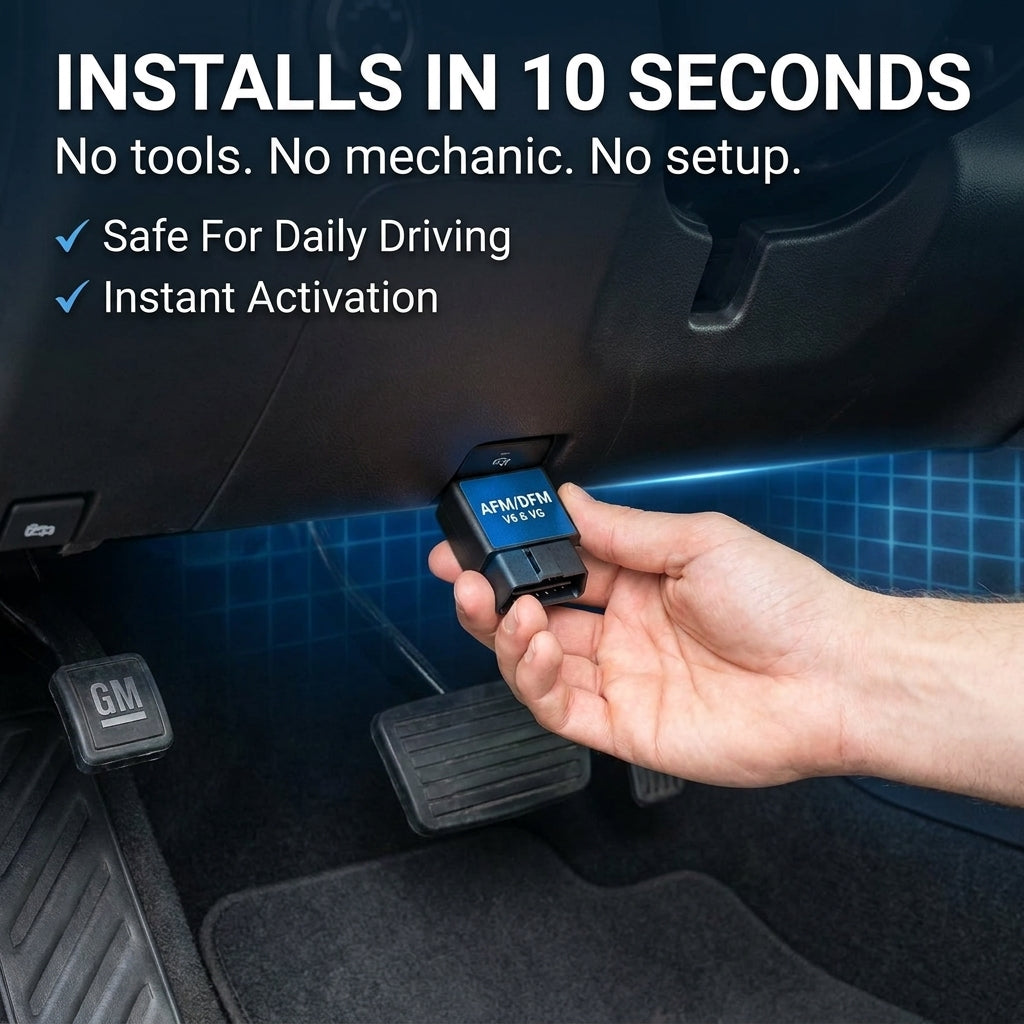
Gadon™ AFM/DFM Disabler - 100% Full-Time V8 Power
Eliminate cylinder deactivation switching, protect delicate mechanical lifters, and resolve throttle lag across GM V8 engines. Direct 10-second plug-and-play installation with zero ECU flashing required.
Hotline: +1 813-408-1627
LEARN MOREDetailed analysis of code readers vs full scanners vs repair shops
Selecting the appropriate diagnostic path requires evaluating the technical depth of each option against hardware costs and operational independence. Vehicle owners have three distinct diagnostic choices when addressing a dashboard alert.
Basic Code Readers: Minimalist Diagnostic Functionality
Basic entry-level readers display generic 5-digit alpha-numeric fault codes and clear dashboard indicator lights. While inexpensive, they lack live sensor graphing, freeze-frame context, and subsystem coverage, leaving drivers to guess which physical component failed.
Full Handheld Scanners: Complete Powertrain Intelligence
A dedicated handheld scanner such as the V500 combines comprehensive trouble code reading with live data parameter streaming, freeze-frame analysis, and on-screen code explanations. Because it operates completely independently without requiring smartphone pairing, Bluetooth synchronization, or software subscriptions, it remains 100% operational during roadside emergencies.
Dealership Repair Shops: High-Cost Factory Diagnostics
Dealership service bays utilize proprietary computer consoles capable of deep module reprogramming and bidirectional actuator testing. However, owners pay recurring diagnostic fees on every single visit. Entering the service department with pre-scanned fault data prevents unnecessary parts replacement and keeps billing honest.
| Evaluation Factor | Basic Code Reader | Full Scanner (V500) | Professional Repair Shop |
|---|---|---|---|
| Trouble Code Reading | Generic codes only | Generic & Manufacturer DTCs | Full OEM subsystem depth |
| Live Sensor Data Stream | Not supported | Real-time numerical & PID review | Full oscilloscope graphing |
| Freeze Frame Capture | Rarely available | Instant snapshot playback | Full historic log analysis |
| Cost Structure | $25 - $40 one-time | $89.99 one-time ownership | $120 - $180 per visit |
| Device Independence | Standalone unit | 100% plug-and-play, no app needed | Requires scheduling appointment |
Verified Owner Experiences
★★★★★ Verified Buyer
"Super straightforward tool. It alerted me to a loose gas cap before I spent $150 at the shop. Paid for itself immediately on day one."
— Kevin W., Truck Owner★★★★★ Verified Buyer
"Works perfectly on my Ford F-150 and my wife's Toyota RAV4. Scans within 10 seconds and delivers comprehensive real-time live data stream."
— Matthew M., Multi-Vehicle OwnerStep-by-step guide on diagnosing check engine codes for beginners
Performing comprehensive electronic engine diagnostics requires no previous mechanical background. Execute these exact sequential steps to extract diagnostic trouble codes, evaluate live engine data, and clear fault memories safely.
Step 1: Locate the 16-Pin Data Link Connector (DLC)
Inspect the driver footwell lower dashboard assembly.
- Purpose: Establish a direct physical communication link between the scanner and the powertrain control module.
- Tools needed: Handheld flashlight or work light.
- Specific actions: Park the vehicle on a level surface, engage the emergency parking brake, turn the ignition key to the complete OFF position, and inspect the dashboard underside directly below the steering column to find the trapezoidal 16-pin connector.
- Expected results: Clean, unobstructed access to the black or white vehicle diagnostic port.
Step 2: Connect the Diagnostic Hardware Interface
Insert the OBD-II connector cable securely into the vehicle port.
- Purpose: Power the diagnostic unit via vehicle battery pin 16 and establish CAN-bus continuity.
- Tools needed: V500 Handheld Diagnostic Scanner.
- Specific actions: Align the wider top row of the 16-pin connector with the vehicle receptacle, push the cable head firmly into the port until fully seated, and wait exactly 10 seconds for the LCD display to power up.
- Expected results: Device screen illuminates displaying the main system menu.
Step 3: Establish ECU Communication
Switch vehicle electrical systems to active accessory mode.
- Purpose: Energize electronic control units without engaging the starter motor.
- Tools needed: Vehicle ignition key or engine start button.
- Specific actions: Rotate the ignition key to the ON position (or press the push-to-start button for 5 seconds without touching the brake pedal) while ensuring the engine remains stopped.
- Expected results: Dashboard warning indicators illuminate and scanner confirms successful protocol handshake.
Step 4: Scan and Record Diagnostic Trouble Codes
Retrieve stored, pending, and permanent fault codes from module memory.
- Purpose: Identify the specific electronic circuit or mechanical system triggering faults. Consult our guide on how to read and clear check engine codes for comprehensive code lists.
- Tools needed: Notepad and pen or mobile camera.
- Specific actions: Navigate to Diagnostic Menu on the scanner screen, press Enter, select Read Codes, and record every 5-digit alphanumeric code displayed.
- Expected results: Accurate list of DTCs such as cylinder misfire fault entries or emissions thresholds.
Step 5: Analyze Freeze-Frame and Real-Time Live Data
Examine sensor operational parameters recorded during fault occurrence.
- Purpose: Isolate intermittent vacuum leaks, fuel delivery failures, or sensor degradation. Compare your findings against standard fixes for a P0300 random misfire or evaluate efficiency parameters for a P0420 catalytic converter code.
- Tools needed: V500 live data streaming interface.
- Specific actions: Select View Freeze Frame to observe vehicle speed, engine load, and coolant temperature at the moment the code was logged, then open Live Data to monitor real-time short-term fuel trims (STFT) and long-term fuel trims (LTFT).
- Expected results: Confirmation of whether fuel trims deviate beyond normal +/-10% operational tolerances.
Step 6: Clear Fault Codes and Complete Verification Drive Cycle
Reset the powertrain control module memory and test vehicle operation.
- Purpose: Extinguish dashboard warning lamps and initialize readiness monitor testing.
- Tools needed: Scanner interface.
- Specific actions: Resolve the physical mechanical issue, return to the main diagnostic menu, select Erase Codes, confirm prompt by pressing OK, start the vehicle engine, and drive continuously for 15 minutes at varying highway and city speeds.
- Expected results: Dashboard check engine light remains OFF and all readiness monitors transition to Ready status.
Mistakes to avoid when scanning vehicle diagnostic codes? Expert advice from Gadon Store
Improper diagnostic practices lead to wasted repair expenditures and unneeded component replacements. Protect your vehicle electronics by avoiding these critical mistakes:
- Replacing parts solely based on code definitions: A lean code (P0171) indicates an air-fuel ratio error, not necessarily a failed oxygen sensor. Gadon Store Advice: Always inspect vacuum hoses and intake gaskets before purchasing replacement sensors.
- Erasing trouble codes immediately before state emissions testing: Clearing codes resets all internal I/M readiness monitors to Not Ready, causing instant inspection failure. Gadon Store Advice: Complete a full 50-mile mixed driving cycle after clearing codes before visiting an inspection station.
- Connecting or disconnecting diagnostic cables with engine running: Sudden voltage spikes can disrupt high-speed CAN-bus networks. Gadon Store Advice: Keep the ignition fully switched OFF whenever inserting or removing hardware from the OBD2 port.
- Running multiple OBD2 devices without proper hardware isolation: Tapping multiple diagnostic tools into one port can cause bus data collision. Gadon Store Advice: Utilize a dedicated Heavy Duty OBD2 Y-Splitter Cable engineered with internal signal shielding.

Heavy Duty Tools
Gadon Cordless Impact Wrench 3-in-1 Kit - Heavy Duty Garage Torque
Tackle stubborn suspension bolts, wheel lugs, and exhaust hardware with ease. Delivering professional breakaway torque for DIY mechanics maintaining high-performance trucks and SUVs.
Hotline: +1 813-408-1627
LEARN MOREFrequently Asked Questions about OBD2 scanners (FAQs)
Is an OBD2 scanner worth the investment for average drivers?
Yes. A quality handheld scanner typically pays for itself the very first time it eliminates an unnecessary $150 shop diagnostic fee or identifies a simple fix like an unsealed gas cap.
What is the difference between a code reader and a full scanner?
A basic code reader only displays and clears fault numbers. A full diagnostic scanner provides dynamic live sensor data, freeze-frame operating records, and built-in code definitions for pinpoint troubleshooting.
Will a standalone OBD2 scanner work across all family vehicles?
Yes. Standardized OBD2 diagnostic tools work across all passenger cars, light-duty pickup trucks, and SUVs manufactured from 1996 to present regardless of make or model.
Do I still need an automotive mechanic after buying a scanner?
For complex internal engine repairs, yes. However, having your own scanner ensures you arrive at the shop knowing the exact fault codes, keeping service estimates accurate and honest.
Does the V500 OBD2 scanner require ongoing subscription fees?
No. The V500 is an independent, standalone handheld diagnostic device with zero recurring subscription costs, application downloads, or Bluetooth pairing requirements.
Elevate your automotive diagnostics with solutions from Gadon Store
Mastering your vehicle's health begins with reliable diagnostic instrumentation and proven engine durability solutions. Avoid unexpected breakdown costs and protect your powertrain today. For personalized technical support or ordering inquiries, contact the dedicated experts at Gadon Store directly at +1 813-408-1627 or email us at contact@gadon.store.
Note: The content in this article is for reference purposes and is compiled from the experience of the Gadon Store team. For in-depth consultation tailored to your specific case, please contact us directly.